Cisco PIX 506e Hangs/Stuck on boot

I managed to get my hands on a few old PIX 506e firewalls, while doing a quick test of them all I found about half didn't get past the following screen.
I am not 100% sure of why this exactly happens but I think it's something to do with the internal battery loosing it's power.
CISCO SYSTEMS PIX FIREWALL
Embedded BIOS Version 4.3.207
Compiled by morlee
32 MB RAM

PCI Device Table.
Bus Dev Func VendID DevID Class Irq
00 00 00 8086 7192 Host Bridge
00 07 00 8086 7110 ISA Bridge
00 07 01 8086 7111 IDE Controller
00 07 02 8086 7112 Serial Bus 9
00 07 03 8086 7113 PCI Bridge
00 0D 00 8086 1209 Ethernet 11
00 0E 00 8086 1209 Ethernet 10
How to FIX:
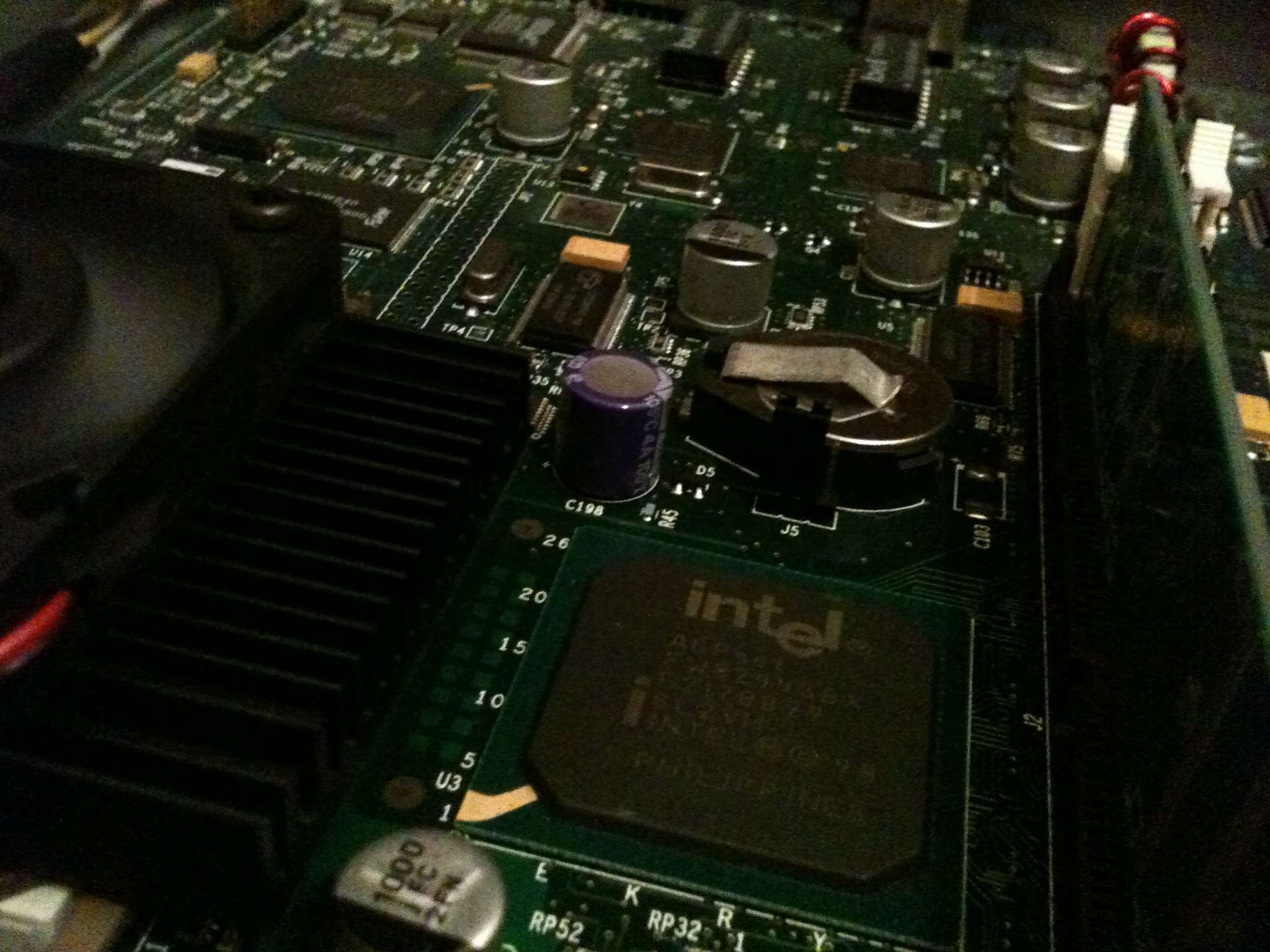
[caption id="attachment_191" align="alignright" width="300"] Cisco PIX 506e - The (J5) Jumper to move[/caption]
So if you open up the PIX, by removing the two small screws at the top, and then with a bit of force sliding back the metal cover. You should see a small jumper/selector next to the cell battery labeled J5, remove this and install back into the other usable position, you should now be able to boot up the PIX as normal.
Once you have confirmed that it's working power off the PIX and move the jumper back to the original location, put the lid on and you should have a working firewall.