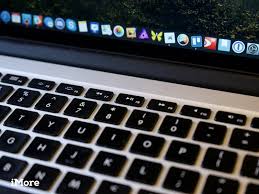
MAC/OSX - How to disable Youtube / Chrome media keys
So if you're anything like me you might be using Spotify to listen to music on your iMac/MacBook, and also use the built-in keyboard media keys to control Spotify while it's minimised and you're working in other applications.
After a recent Chrome update it seems to be deciding that it wants control of them buttons while it's got media playing - So I would open up a Youtube video in Chrome, click Pause on the keyboard media keys, I was expect the background music to stop, but instead the Youtube video would pause... Not idea!
There's a fix!
1 - Open up chrome and put the below in your address bar at the top, and hit enter/return.
chrome://flags/#hardware-media-key-handling
2 - You should see a "Hardware Media Key Handling" setting there, change this to Disabled
3 - Restart Chrome
Your back to normal now!